

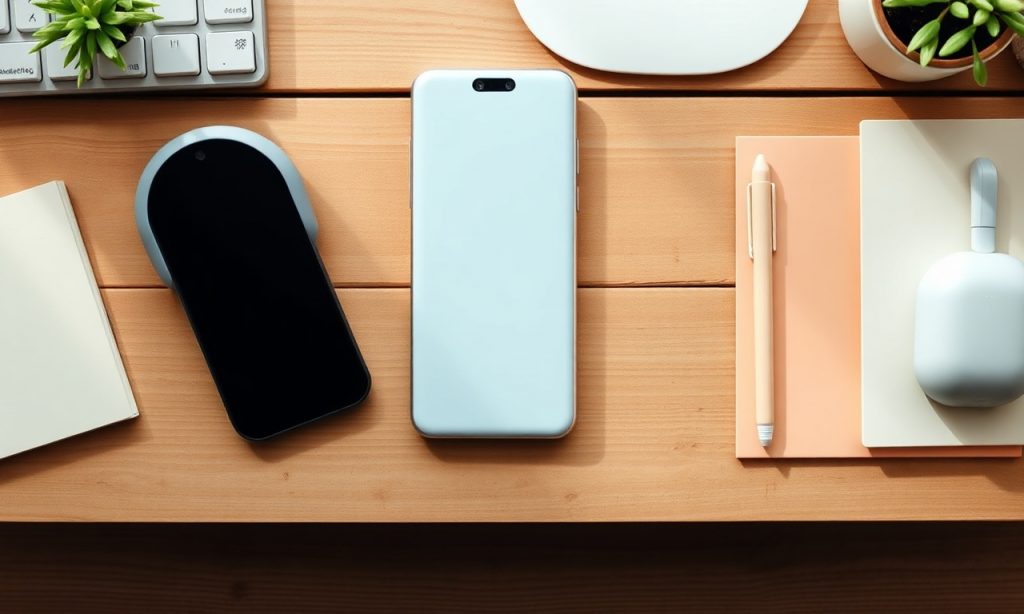
Let’s be real—most of us have Android home screens that look like a digital junk drawer. Apps everywhere, widgets you never use, and a wallpaper you can barely see. It’s chaos. But it doesn’t have to be. With a little effort, you can turn that mess into something sleek, functional, and maybe even a little satisfying.
Step 1: Clear the Clutter
First things first, delete what you don’t need. Hold down on an app and drag it to the “Uninstall” or “Remove” option. If you haven’t used it in months, it’s probably not essential. Be ruthless. Your home screen isn’t a storage unit.
Step 2: Use Folders Wisely
Folders are your best friend. Group similar apps together—social media in one, productivity in another, games in a third. Give them clear names like “Work” or “Fun.” This way, you’re not swiping through pages of apps to find what you need. It’s all right there, neatly tucked away.
Step 3: Widgets—Less Is More
Widgets can be handy, but too many make your screen look busy. Stick to the essentials—a weather widget, maybe a calendar, or your fitness tracker. If it’s not something you check daily, lose it. A clean home screen is a happy home screen.
Step 4: Pick a Wallpaper That Works
Your wallpaper sets the tone. Go for something simple and easy on the eyes. Dark wallpapers can make icons pop, while light ones give a clean, minimalist vibe. Avoid busy images—they just add to the clutter.
Step 5: Arrange for Efficiency
Place your most-used apps where your thumb can reach them easily. That’s usually the bottom half of the screen. Keep less important apps higher up or in folders. This small tweak saves you time and frustration every day.
And there you have it—a home screen that’s not just functional but actually pleasant to look at. No more digging through apps or feeling overwhelmed every time you unlock your phone. Just smooth, easy access to what you need.
If you’re curious about more ways to optimize your Android experience, check out this detailed guide on tackling home screen chaos. Trust me, your future self will thank you.
Related Stories
Build the Perfect RTX 5070 Ti Gaming PC for $2074
Save $769 on 32GB Corsair RAM, 9850X3D, 2TB Samsung 9100 Pro SSD, and more for the ultimate gaming…

Samsung Faces Lawsuit Over Dua Lipa’s Image on TV Boxes
Samsung is accused of misusing Dua Lipa's image on TV boxes, sparking a lawsuit. Learn more about the…
My Android Home Screen Was a Disaster, and I Finally Tackled It
For months, maybe even a year, my Android phone’s home screen was a digital wasteland. Not in a…