
Making Mobile Data More Secure With Better Cloud Backups
These days most people use their phones to get online. In fact over 70 percent of internet traffic comes from devices. This means that keeping our data safe is more important than ever. However many people have trouble keeping their data safe when they switch devices. Recently Google made some changes to Android backups that make it easier for people to control their data and feel more secure. These changes include being able to control which messages are backed up and saving documents directly to the cloud.
The Current State of Mobile Devices
- The new 5G networks are making people want to be able to sync their data to the cloud fast. This means that devices need to be able to handle data more efficiently.
- More people are using devices, which is changing the way they use multiple apps at the same time. This means that devices need to be able to restore apps when people switch devices.
- People are storing more and more high-quality photos and sensitive documents on their devices. This means that backups are getting bigger and bigger.
What Is Changing
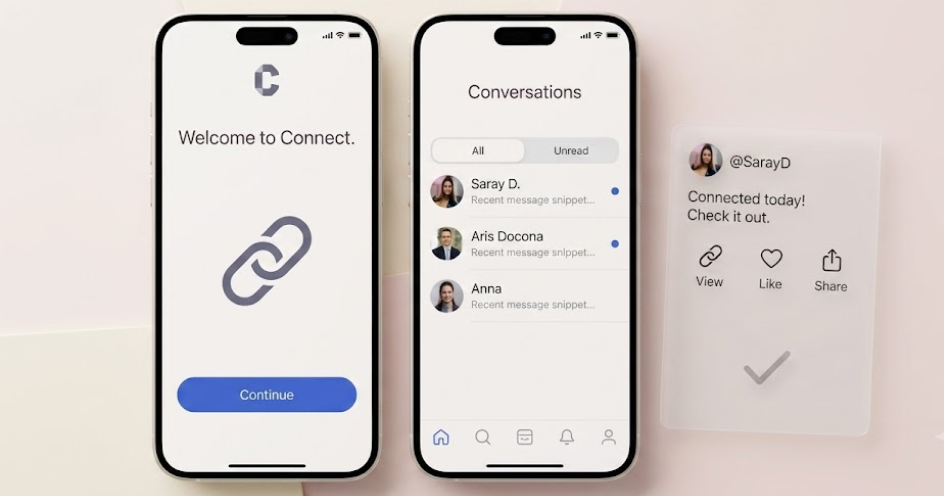
- Now people have control over which messages are backed up. They can choose which conversations to include or exclude from their backups.
- People can now save documents directly to the cloud without having to use another app. This makes it easier to keep files safe and up to date.
- Backups are now smarter and prioritize the important data. This means that people can get back to work faster when they switch devices.
- Google is using encryption to keep backups safe from people who should not be able to access them.
Best Practices
- Check your backup settings every month to make sure you are not using too much storage space.
- Use the new messaging controls to get rid of old conversations that you do not need anymore.
- Make sure to secure your cloud storage by using two-factor authentication.
- Use a standard way of naming your documents so that they are easier to find later.
- Test your backup by restoring it to another device or using a web interface to make sure everything is working correctly.
- Check which apps have access to your backups and make sure they are only the ones that need it.
A Real-World Example
A company with 50 employees tried out the new backup controls and was able to reduce the time it took to restore devices by 40 percent. By backing up the most important data employees were able to switch to new devices in under an hour and keep working without any problems.
Common Mistakes to Avoid
- Do not assume that all your messages are being backed up. Check your settings to make sure.
- Do not forget to clear out backups that you do not need anymore. This will help you avoid running out of storage space.
- Be careful about backing up work documents to your personal cloud account. This could be against your companys rules.
- Do not ignore error messages when your backup fails. This could mean that you lose data if your device breaks.
- Remember to sync your documents before you reset your device. This will help you avoid losing files.
Tools and Resources
- Google One is a great tool for managing your storage space across different Google services.
- The Android System Settings app is where you can control which apps are being backed up and see how much space you are using.
- There are tutorials available that can help you manage your mobile data usage and control which apps are using your data.
- Most device manufacturers have a tool that can help you set up a new device using your old backups.
- There are also tools that can help you compare different cloud storage options and choose the best one for you.
- Make sure to use encryption verification tools to ensure that your data is safe and secure.
What to Expect in the Future
As mobile devices get more advanced we can expect to see more artificial intelligence used in backup services. This will help prioritize the important data and make backups more efficient. We can also expect to see integration between different operating systems making it easier to switch devices and keep your data safe.
Conclusion
The new updates to Android backups are a big deal, for people who want to keep their mobile data safe and secure. By using these features you can make sure that your data is protected and easy to restore. Download our checklist to help you get the most out of your devices security features and be prepared for your next upgrade.
Written by
FutureTechSpot Editorial Team
Staff writer at Future Tech Spot. Covering the frontier of technology, artificial intelligence, and the digital future.
Related Stories
More from Mobile
Build the Perfect RTX 5070 Ti Gaming PC for $2074
Save $769 on 32GB Corsair RAM, 9850X3D, 2TB Samsung 9100 Pro SSD, and more for the ultimate gaming…
De-Googling My Phone: Only Two Apps Survived
I tried de-Googling my phone, but only two apps survived the process. Here's what happened and why it…
Samsung Faces Lawsuit Over Dua Lipa’s Image on TV Boxes
Samsung is accused of misusing Dua Lipa's image on TV boxes, sparking a lawsuit. Learn more about the…